From a single image
3D · Render · Edit
Image-to-3D, AI rendering and image editing in one platform.
Turn sketches, photos and 3D models into ready-to-use deliverables.
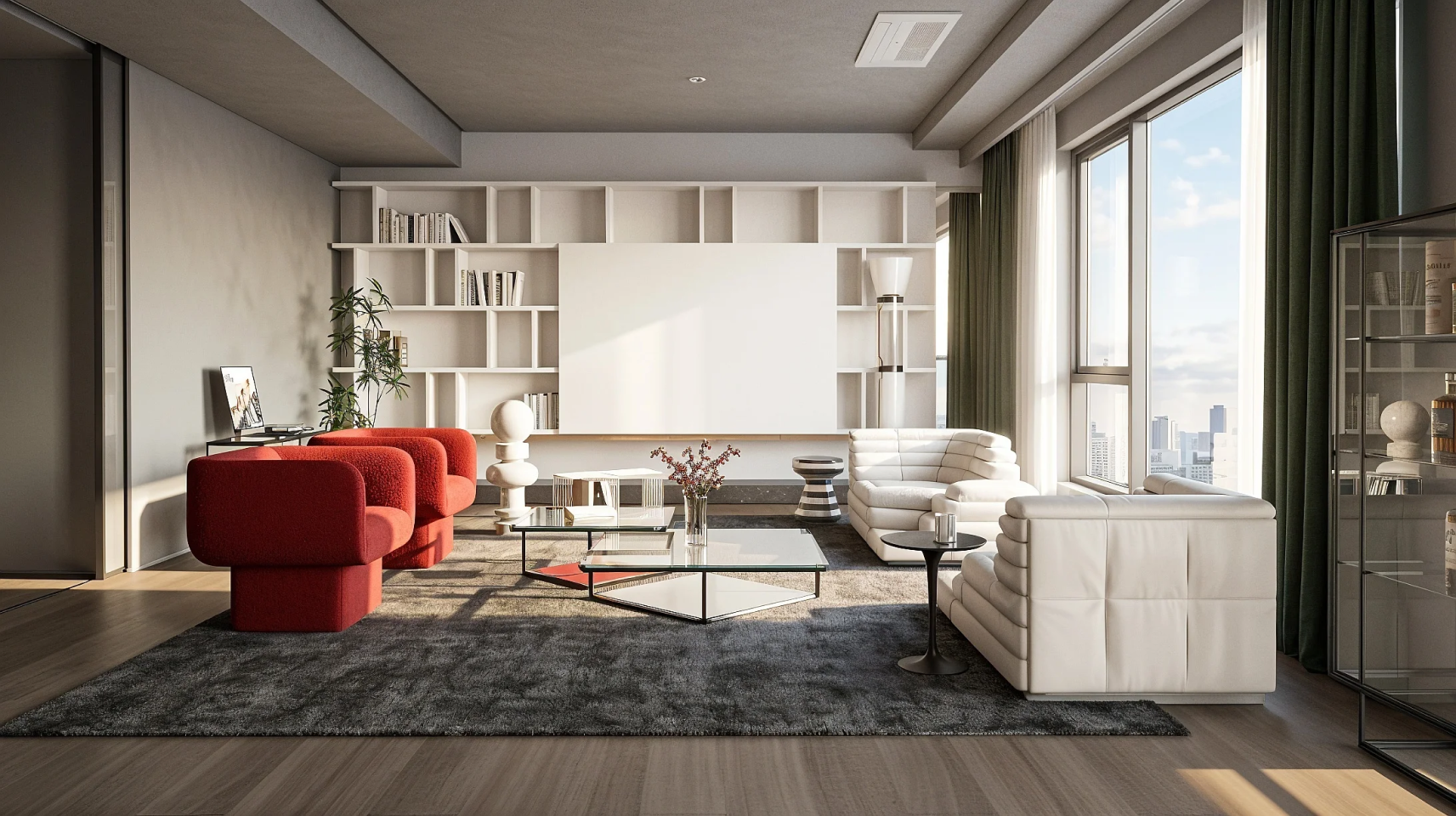
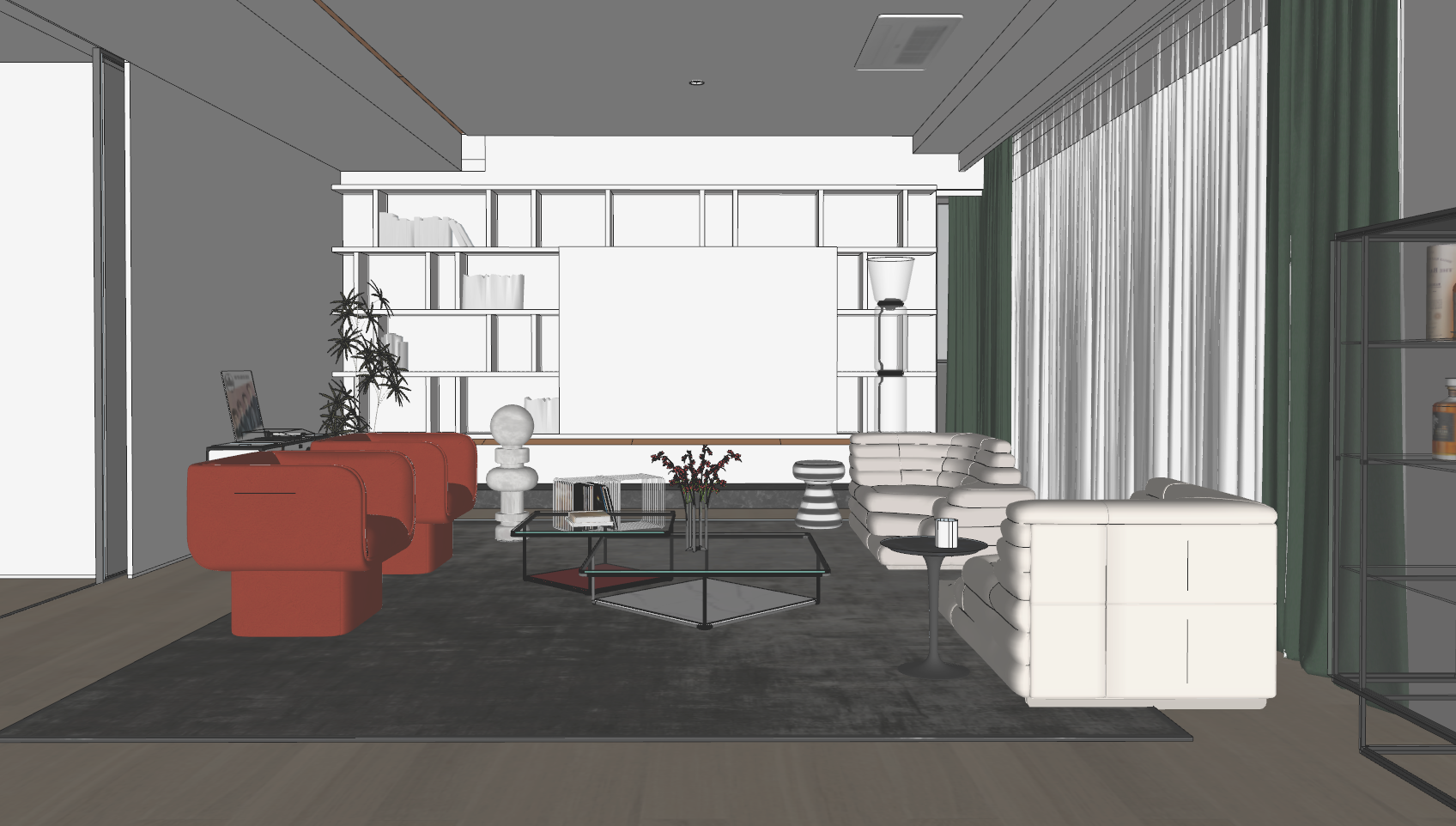 BeforeAfter
Drag to compare before and after
Core Features
4AI workflows
Explore 3D generation, floor plans, rendering and editing in Redraw AI.
01 — Image to 3D
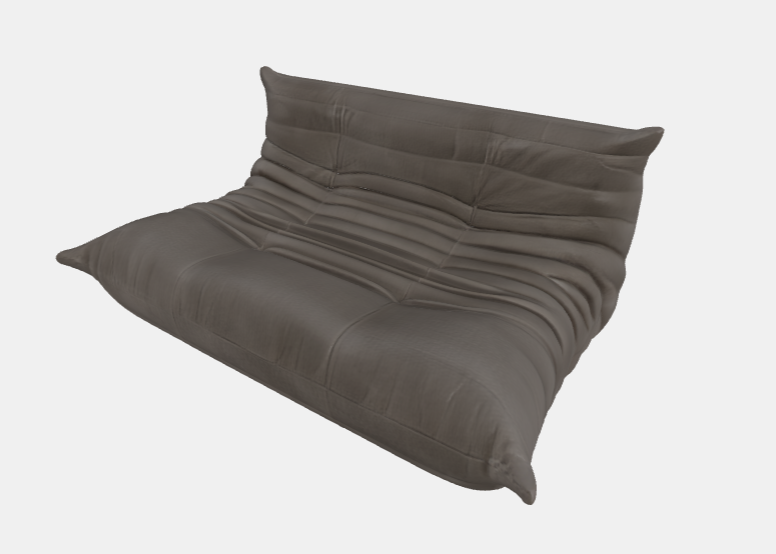
3D models from a single image
Upload a product or furniture photo and export GLB, OBJ, FBX or STL.
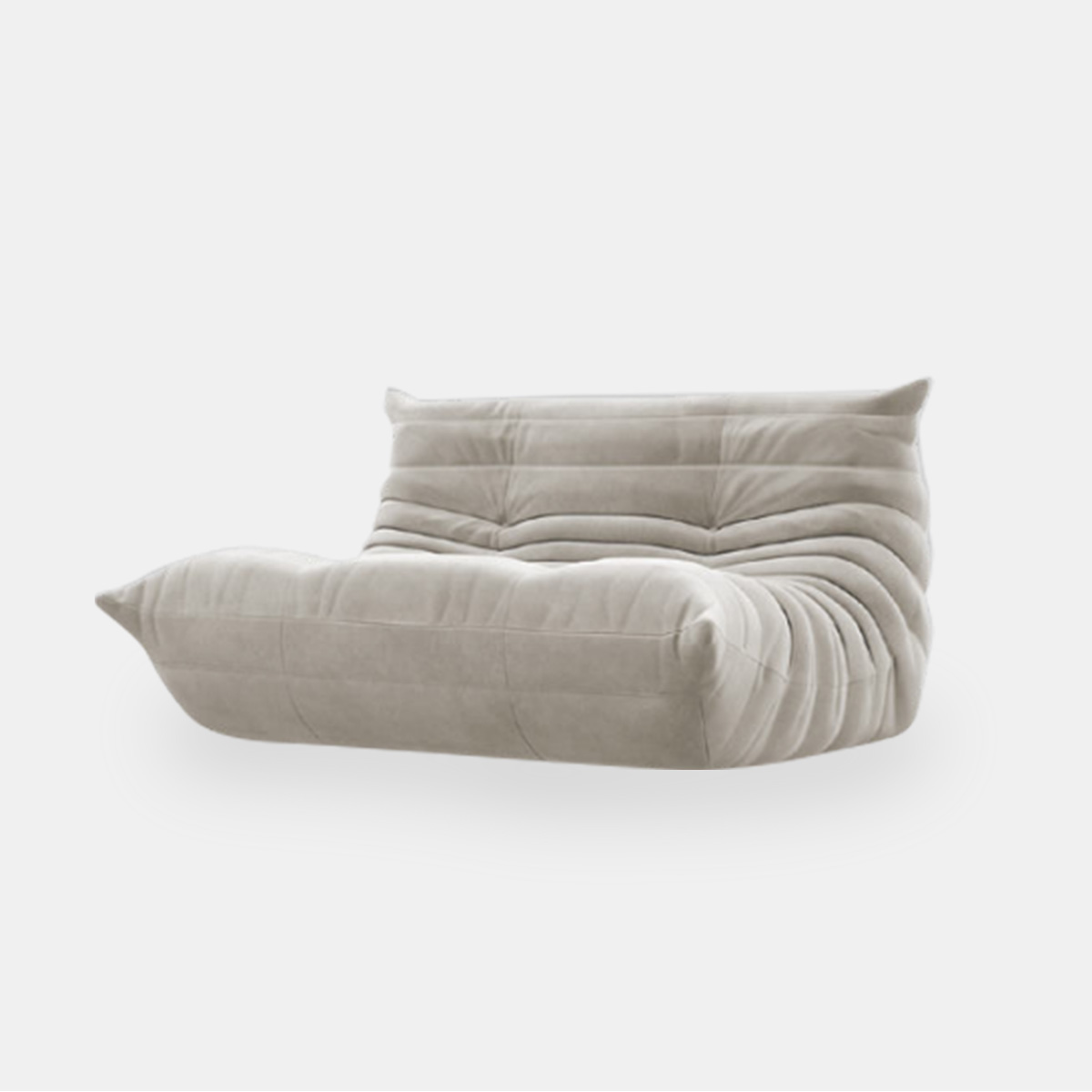 BeforeAfter
02 — Image to Render
Photorealistic renders from sketches
Turn interior sketches, architectural drawings and 3D views into AI renders. Compare the before and after.
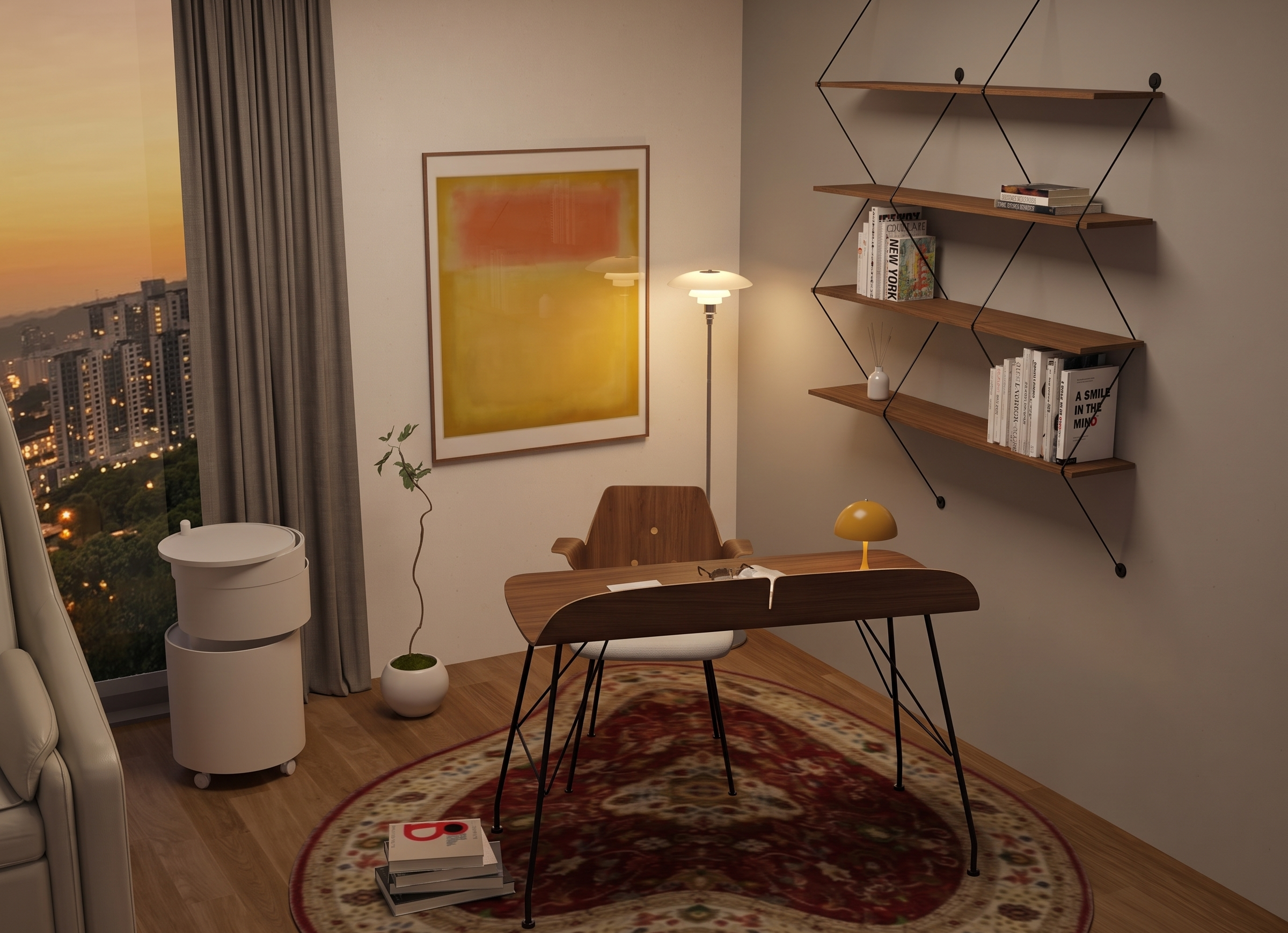
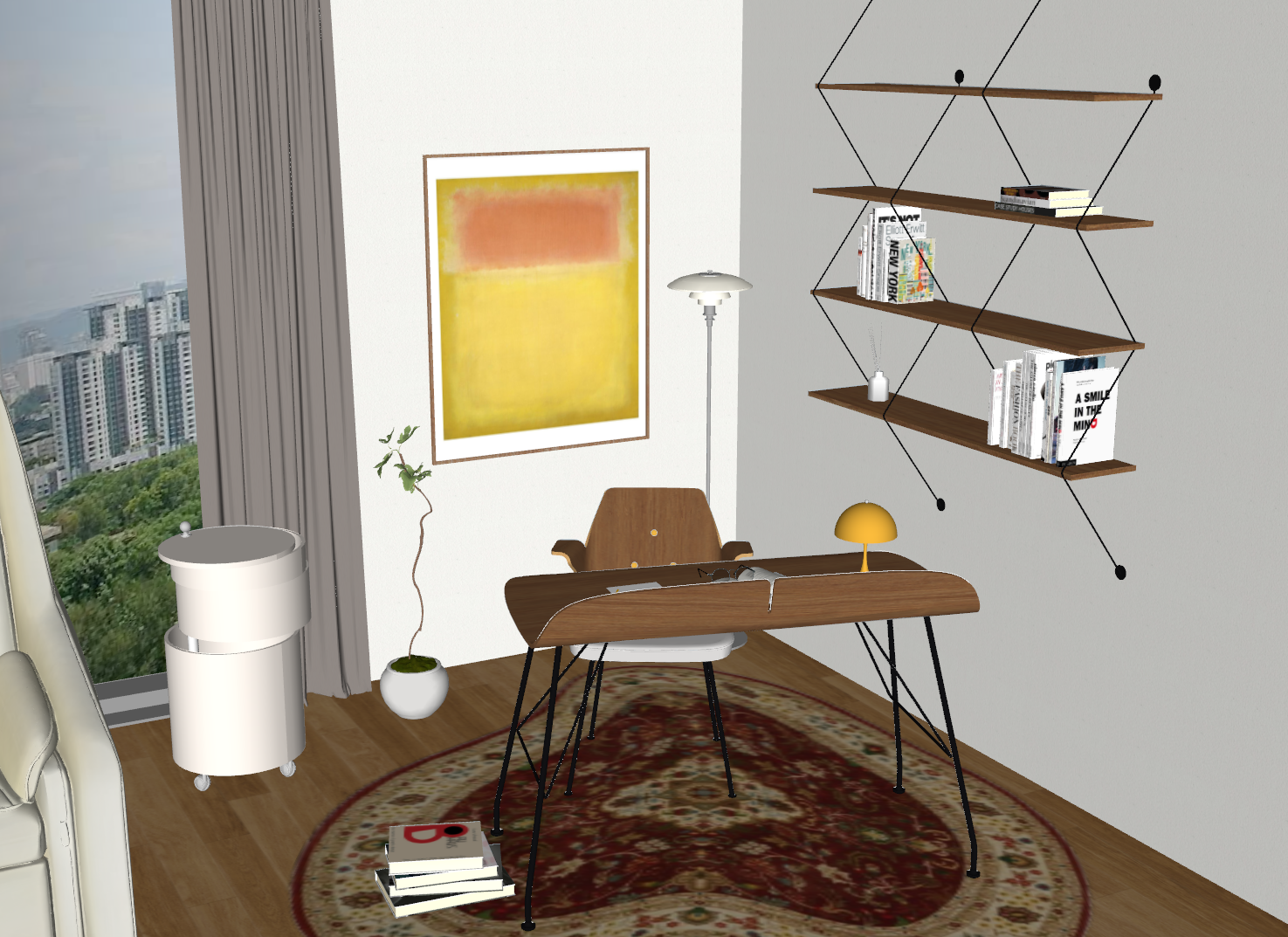 BeforeAfter
03 — Edit
AI image editing
Replace backgrounds, remove objects and change styles with targeted image editing.
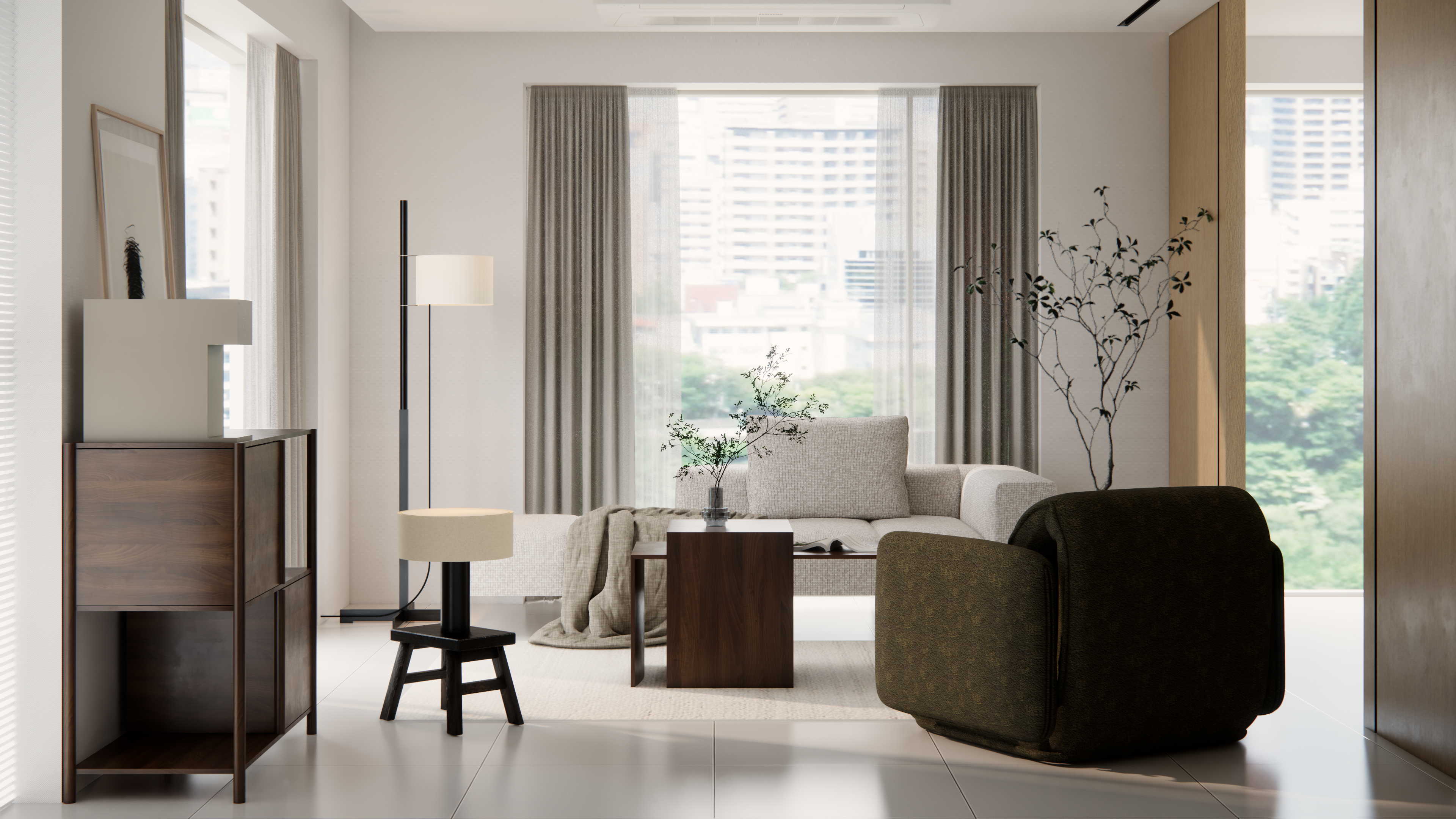
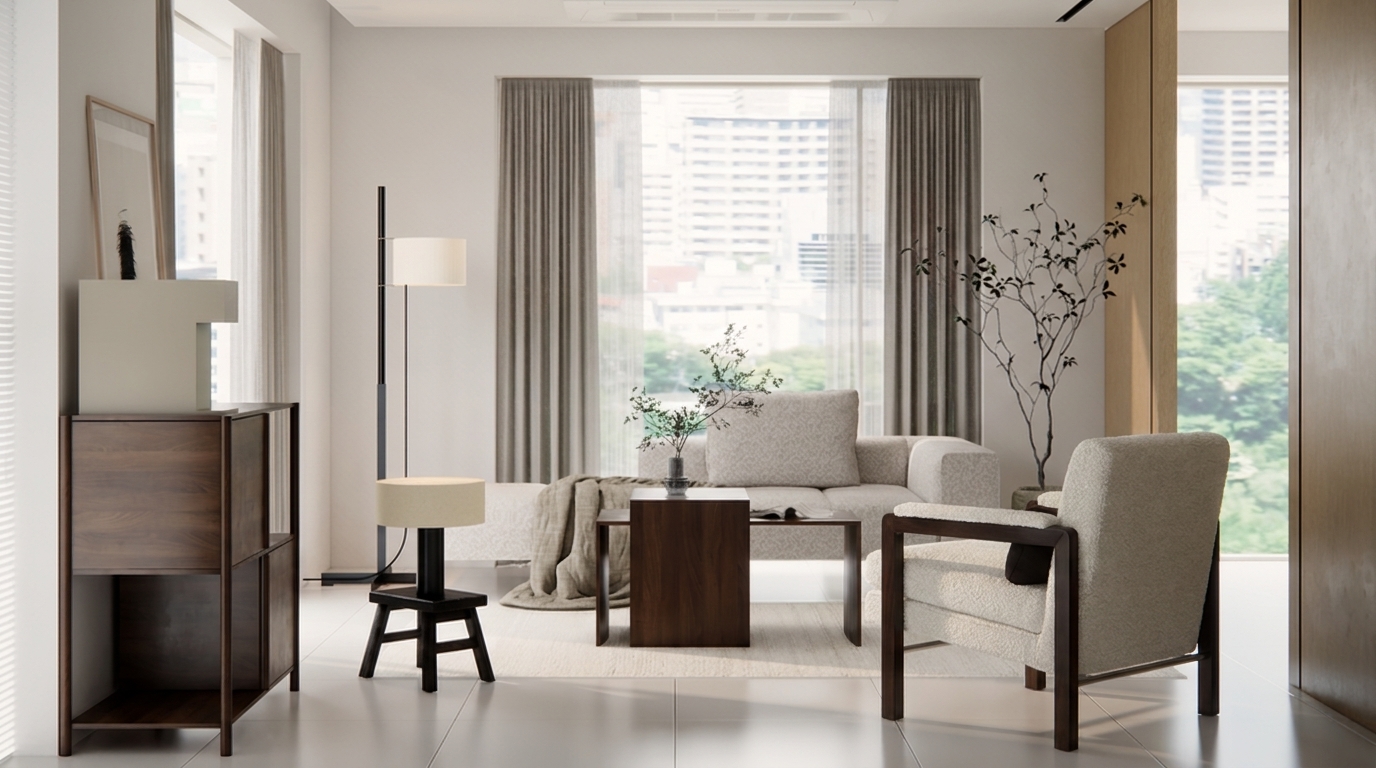 BeforeAfter
04 — Floor Plan to 3D · Beta
From floor plan to 3D
Upload a floor plan to view walls, doors and windows in 3D. Adjust dimensions and continue working in SketchUp.
Select a wall, opening or room
No element selected
Use arrow keys to move, Shift + arrow keys to rotate, and + or - to zoom. Switch between the standard view and detected layout, and toggle dimensions and floors.
Workflow
For modern design
AI workflows
From upload to results in three steps with Redraw AI.
3 workflows
Integrated AI workflows
·Tens of seconds
Average processing time
·4+ formats
3D export formats
Start without writing a prompt
AI understands architectural, interior, and product images. Upload an image to get started.
Upload an image or sketch
Drag and drop photos, sketches, or 3D views.
AI understands your scene
AI identifies the task and scene to apply suitable settings.
Create results in one click
Create 3D models, AI renders, and image edits in one workspace.
One-click image editing
Select a region or describe a change. Continue refining your rendered image with AI.
Quick Actions
Object detection
Edit selected regions
Apply style presets
Use what you need
Use one subscription for 3D, rendering, and image editing credits.
Total credits
600
Used
360
Remaining
240
Usage Snapshot
Your workflow breakdown this month.
Pricing
Pricing
Choose a plan for your design work. All paid plans include bonus credits.
Free
Free forever
- 2 3D generations per month (110 credits)
- GLB · OBJ export
- Watermark included
Plus
One-month access · One-time payment · No automatic renewal
1,400 base credits + 50 bonus credits
- Multiple images (up to 5)
- No watermark
- PBR textures
Pro
One-month access · One-time payment · No automatic renewal
3,100 base credits + 100 bonus credits
- High-resolution rendering · Priority processing
- All formats including FBX
- Commercial use
Max
One-month access · One-time payment · No automatic renewal
8,800 base credits + 250 bonus credits
- Approximately 164 3D generations
- Team seats · Shared credits
- Top priority queue · Batch generation
- Dedicated support
Start creating with Redraw AI
Try 3D generation, AI rendering and image editing in one studio.