AI interior and architectural rendering
Render SketchUp views and space images with AI. Adjust lighting, time of day, and materials while using the original composition and furniture layout as a reference.
Start using this featureInput and output examples
Illustrative examples. Actual results vary with input and settings.
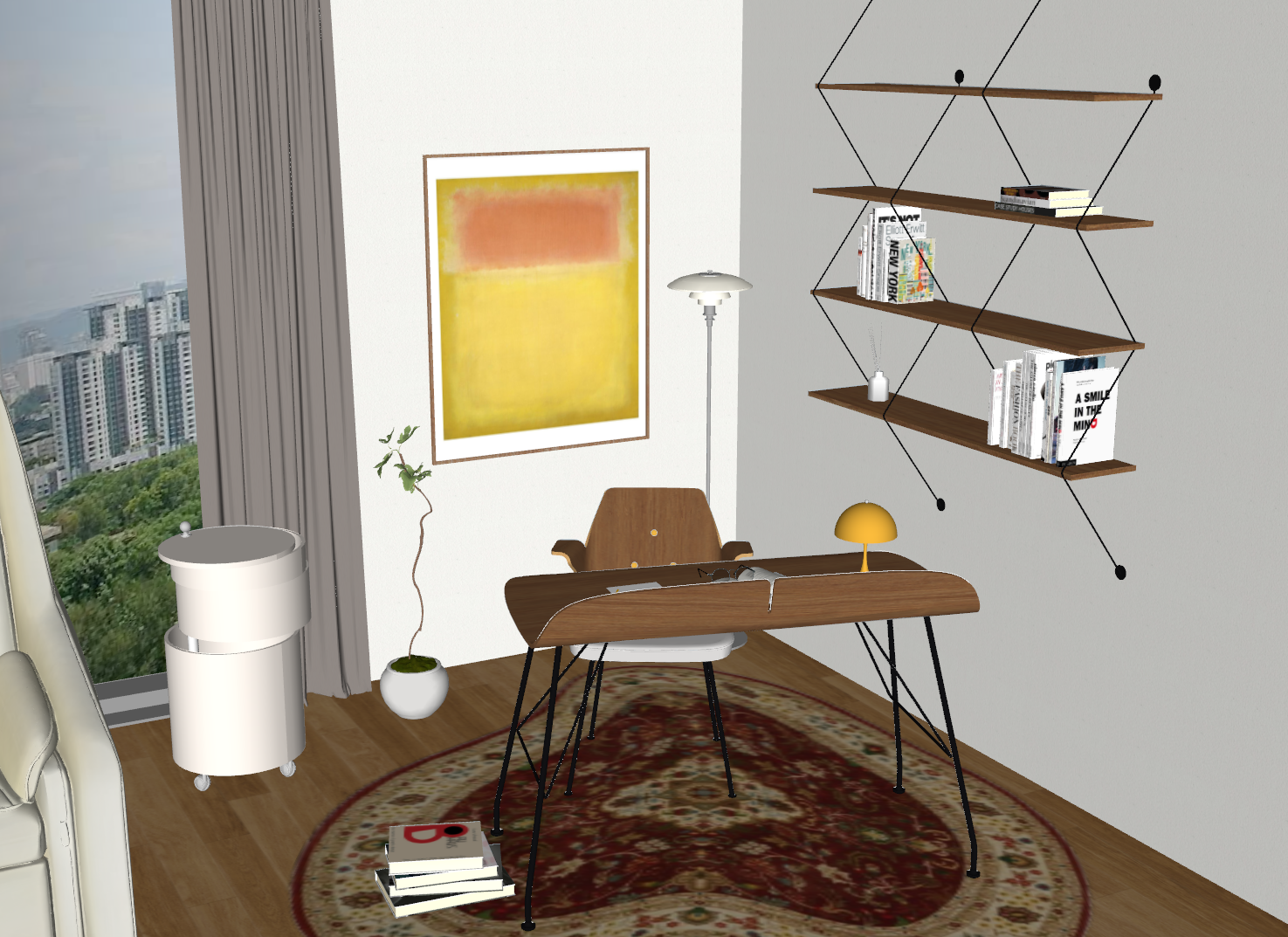
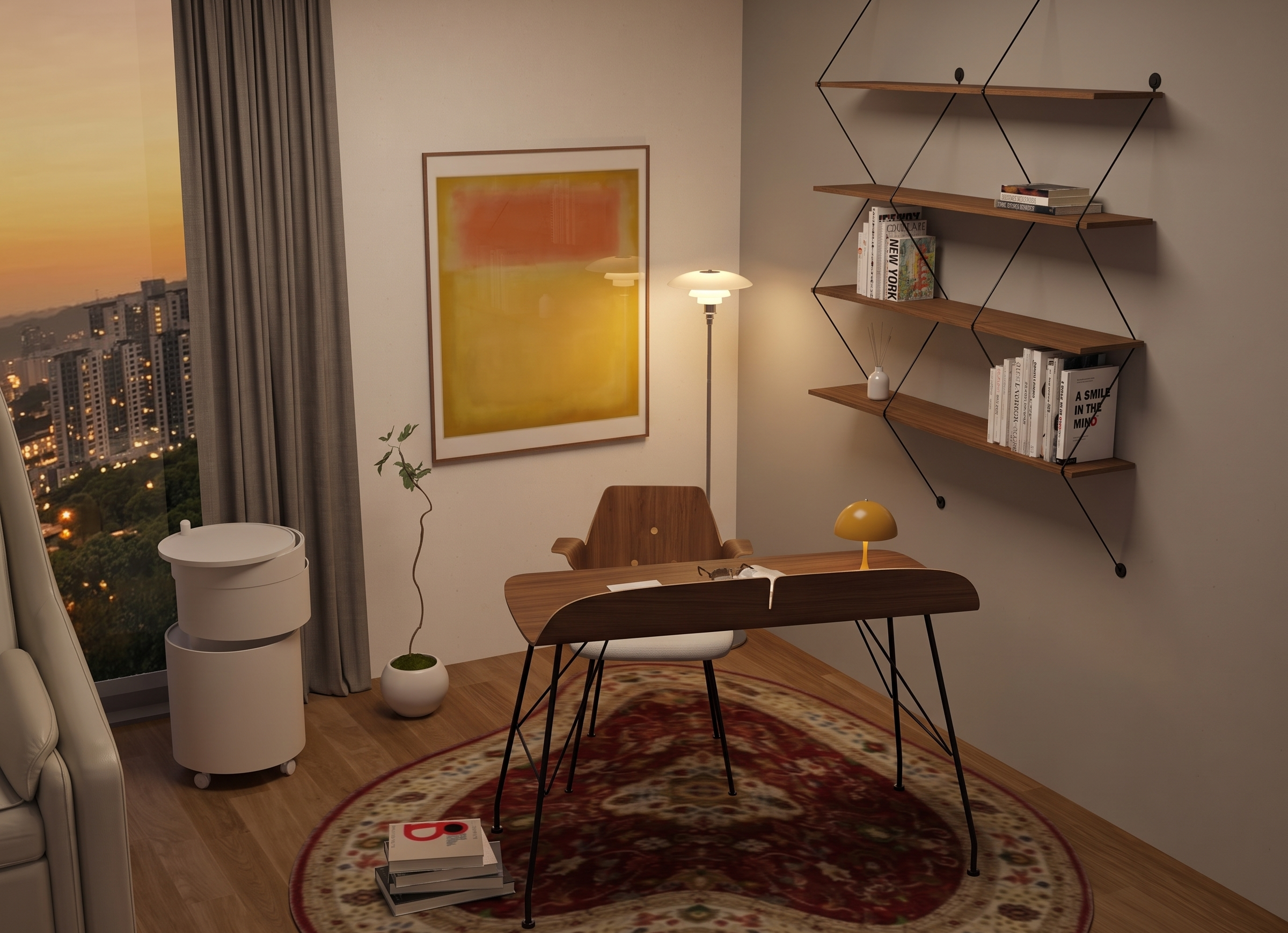
What can I upload?
Interior or architectural sketches, 3D views, or space images
What will I get?
Rendered images you can compare and download
How to use
- Upload the original image.
- Choose indoor or outdoor settings, lighting, time of day, and materials.
- Compare the original and result, then refine as needed.
Before you start
Results may differ in structure, text, and furniture shapes. Compare with the original before final design approval or delivery.
Check available options and credits in the workspace andPricingon the pricing page.
Frequently asked questions
Can I use this with SketchUp?
Upload a view exported from SketchUp to render it. See the SketchUp guide for integration details.
Can I use photos or existing renders?
You can request lighting and material changes using photos or existing renders. Results depend on the input and instructions.