Convert floor plans to 3D · Beta
Review walls, doors, and windows in 3D from a floor plan, adjust dimensions, and continue your review in SketchUp.
Start using this featureInput and output examples
Illustrative examples. Actual results vary with input and settings.
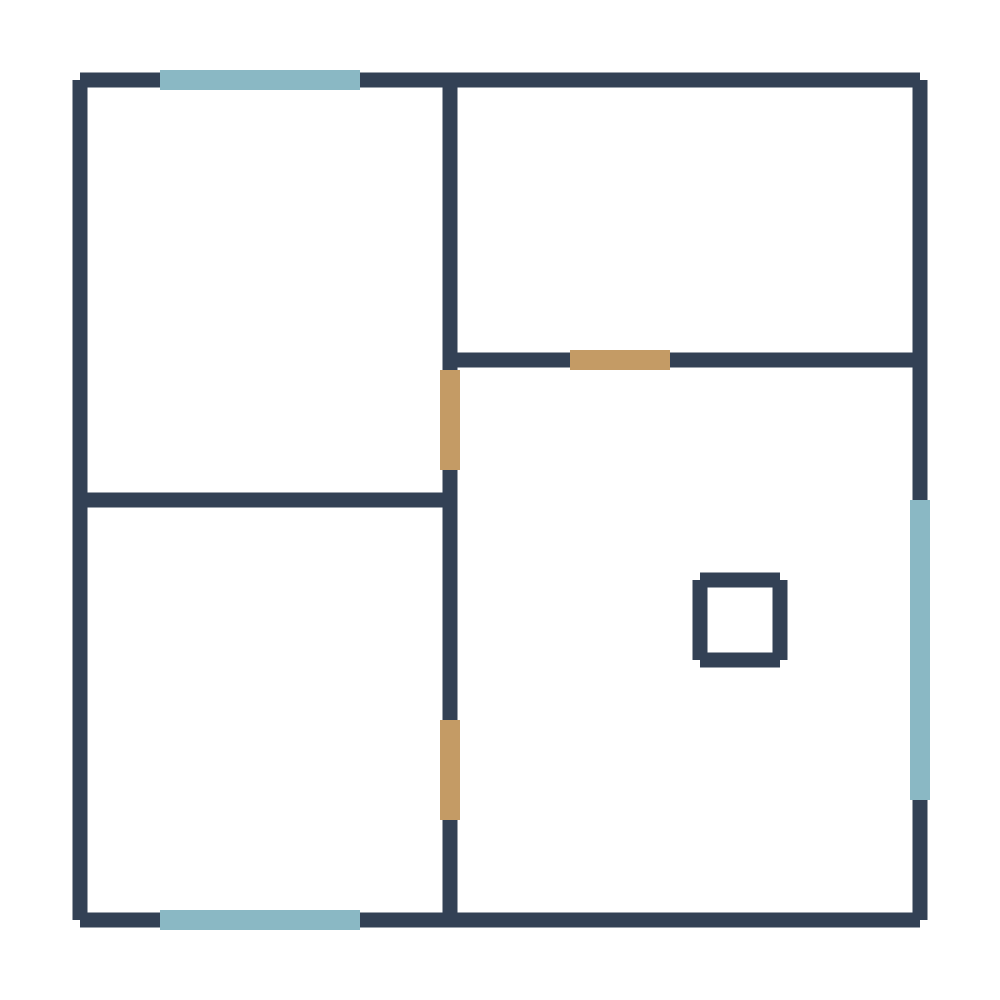
What can I upload?
A floor plan image with identifiable walls and openings
What will I get?
A reviewable, adjustable 3D space and exports for further work in SketchUp
How to use
- Upload a floor plan image.
- Compare detected walls, doors, windows, and dimensions with the original and correct them.
- Review the 3D space and continue in SketchUp.
Before you start
This is a Beta feature. Faint lines, complex symbols, and curves may be missed or misread. Verify structure and dimensions before construction or design decisions.
Check available options and credits in the workspace andPricingon the pricing page.
Frequently asked questions
Can I learn about this feature without logging in?
This introduction is public. Conversion and saved history require login, and availability depends on your access permissions.
Can I use the generated 3D plan directly for construction?
Automatic detection is a starting point for review. Check original dimensions and the positions of walls, doors, and windows, then obtain professional review.