Generate 3D models from images and text
Generate 3D models from product or furniture images or text, then continue in GLB, OBJ, FBX, or STL formats.
Start using this featureInput and output examples
Illustrative examples. Actual results vary with input and settings.
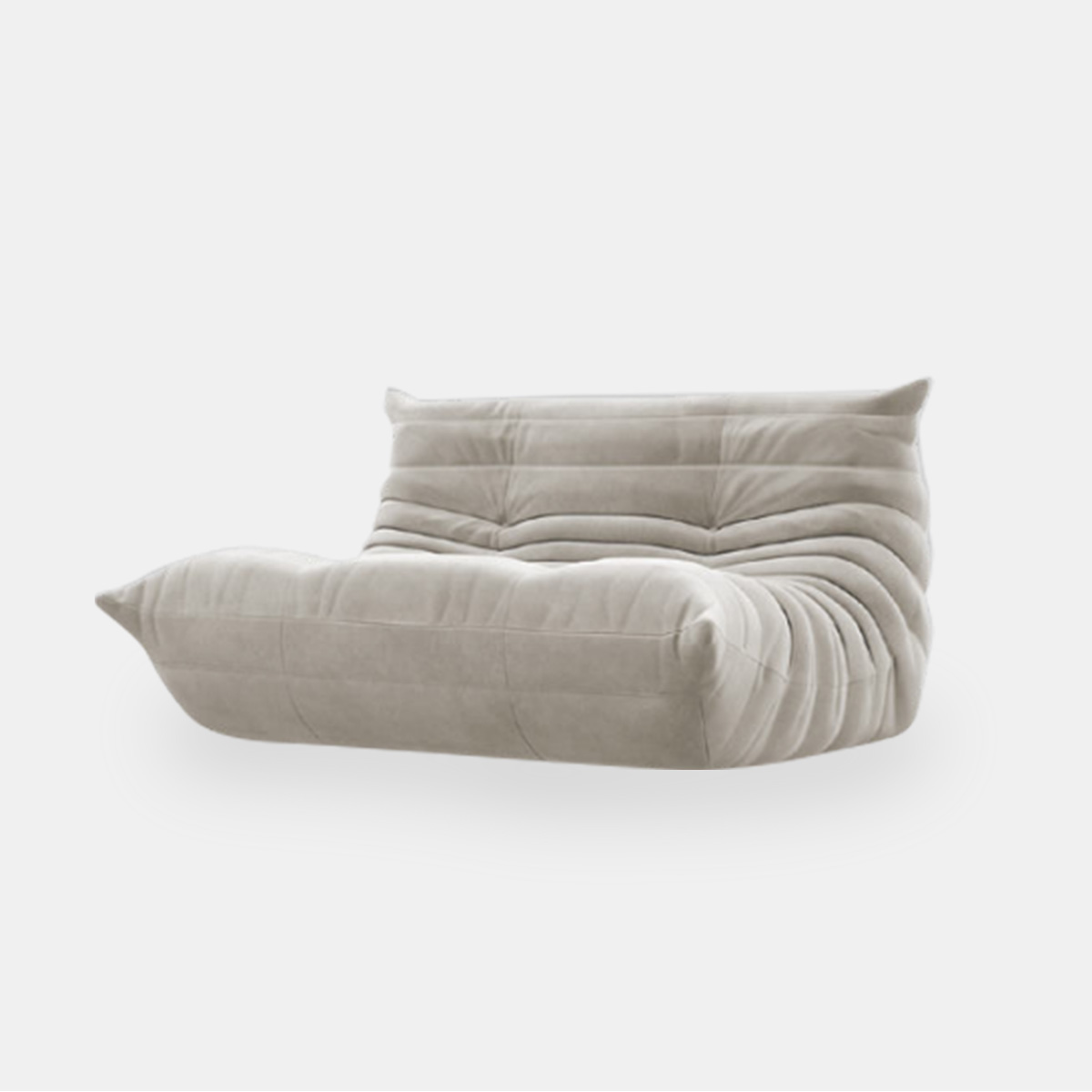
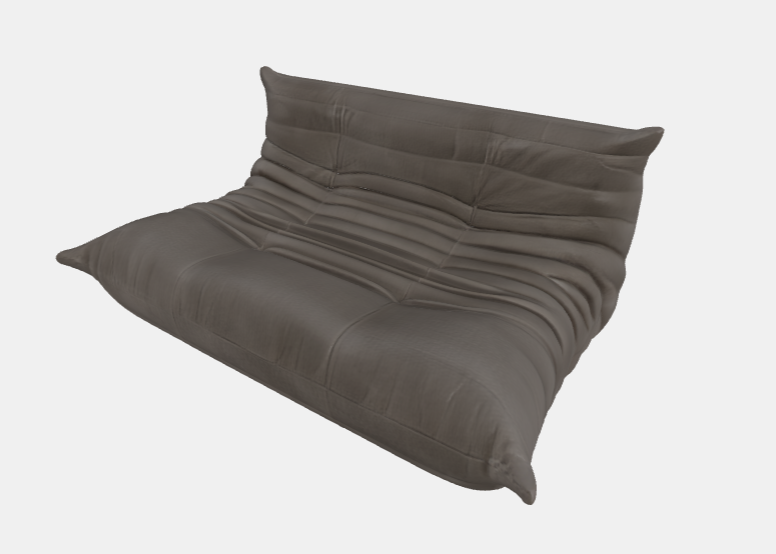
What can I upload?
A product or furniture image, or a text description of your model
What will I get?
A 3D model and the download files available for your generation method
How to use
- Upload an image or describe the shape in text.
- Choose generation settings and create the 3D model.
- Inspect the model from multiple angles and download a format for your next tool.
Before you start
Formats and quality vary by generation method. Unseen surfaces are estimated; measured dimensions and manufacturing precision are not guaranteed.
Check available options and credits in the workspace andPricingon the pricing page.
Frequently asked questions
Which file formats are available?
Download options include GLB, OBJ, FBX, and STL. Check the files available for each result.
Can one photo provide accurate dimensions?
A photo alone does not establish measured dimensions. Check and adjust the size and shape before using the model professionally.