AI image editing and material replacement
Select a region in a space image to remove furniture or objects, change backgrounds, or replace materials.
Start using this featureInput and output examples
Illustrative examples. Actual results vary with input and settings.
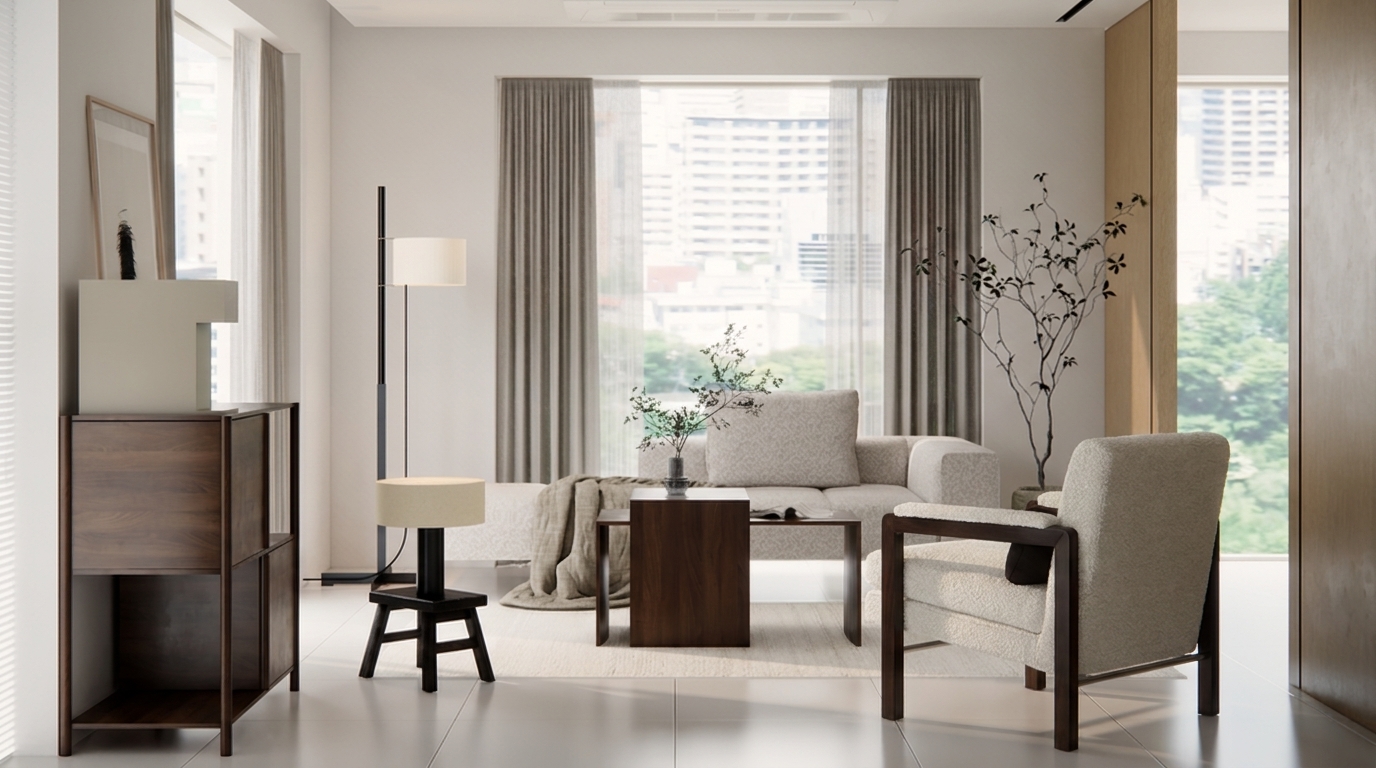
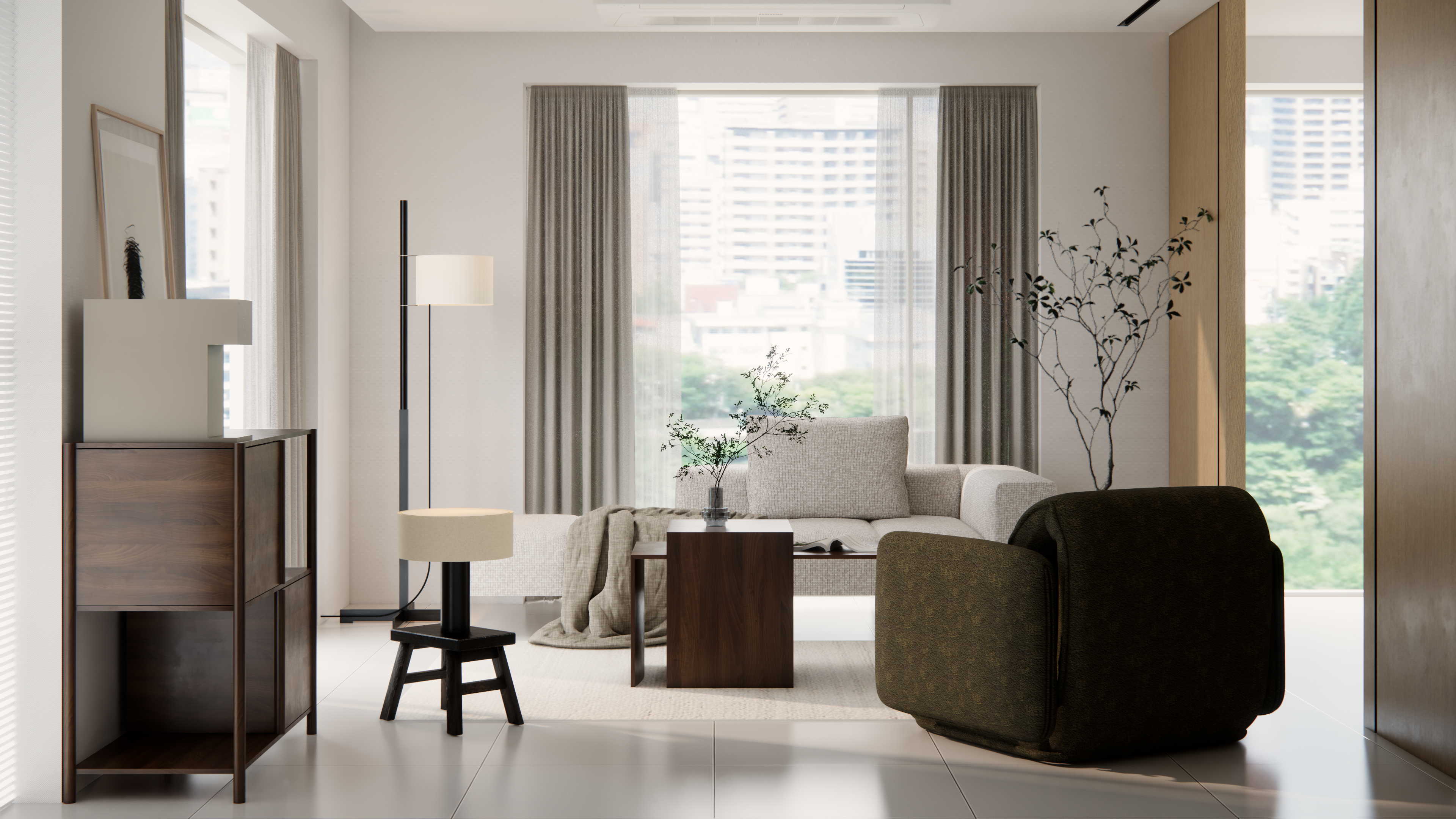
What can I upload?
The original image and instructions, with a reference image if needed
What will I get?
An edited image based on your instructions
How to use
- Upload the original image.
- Select an object or region and describe your desired change.
- Compare the edited region and surrounding structure together.
Before you start
Surrounding pixels may change even with a selected region. Check small text and complex overlaps carefully.
Check available options and credits in the workspace andPricingon the pricing page.
Frequently asked questions
Can I remove furniture or change only a material?
Specify the furniture to remove or the material to change. Describe what should remain to make comparisons easier.
Is the original structure always preserved exactly?
AI may change areas outside your request. Always compare the result with the original.